Free Batch Image Compressor
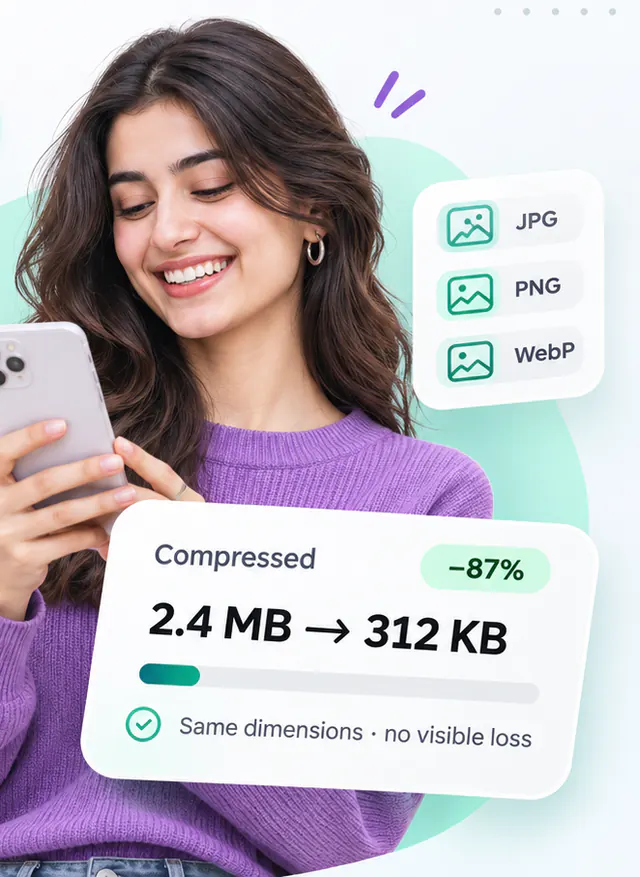
Compress up to 50 PNG, JPG and WebP images at once and download them as one ZIP.
- Runs in your browser
- No upload step
- Free, no watermark
Quick answer
Compress many images at once for free in your browser: drop up to 50 PNG, JPG or WebP files, pick one quality setting, press Compress all and download a single ZIP. Each file shows its own progress and saving. Nothing is uploaded, so the batch is as private as your own computer.
About this tool
Built for folders of product photos, blog images or screenshots: add up to 50 files, apply one setting to all of them and watch each file progress independently. Files that fail (for example a corrupted download) are reported individually and can be retried without redoing the rest.
Processing is spread across several Web Workers so the page stays responsive, and memory is capped by limiting how many images decode at the same time. When everything is done you get a summary of the total saving and a ZIP containing the results.
How to use Batch Image Compressor
- Drop a folder's worth of images (up to 50 files, 400 MB total).
- Choose one quality setting and, optionally, a single output format for all files.
- Press Compress all. Cancel at any time; files already finished are kept.
- Retry any failures, then download the ZIP.
Limitations and notes
- Very large batches are limited by your device's memory; the tool processes a few images at a time and reports failures rather than crashing silently.
- Output file names are derived from the originals; files with duplicate names are suffixed inside the ZIP.
- Per-file settings are not available here; use the Image Compressor for individual control.
- Parallelism adapts to the number of CPU cores reported by the browser (capped at four workers).
Why these limits exist, and how to work around them, is covered in Optimising images for the web.
Frequently asked questions
What happens if one file fails?
It is marked as failed with the reason, the rest of the batch continues, and you can retry that file alone or remove it. The ZIP only contains successful outputs.
Is the ZIP compressed?
Images are stored in the ZIP without additional compression because compressed images do not shrink further; this keeps packaging fast.
Why did my file get bigger instead of smaller?
Some images are already compressed as far as their format allows, and re-encoding them with a higher quality setting than the original can add bytes. When that happens the tool tells you and offers to keep your original file instead of the larger output.
Is anything uploaded to a server?
No. Decoding, compression and encoding all happen inside your browser using the Canvas API and, where needed, WebAssembly codecs that are downloaded as part of the page. Your image never leaves your device.
Share this tool
Found it useful? Pass the link on – it is free for everyone.
Embed badge

<a href="https://helpmejpg.com/tools/batch-image-compressor" title="Free Batch Image Compressor – HelpMeJPG"><img src="https://helpmejpg.com/brand/logo-lockup.svg" alt="Free Batch Image Compressor – HelpMeJPG" width="160" height="40" loading="lazy"></a>