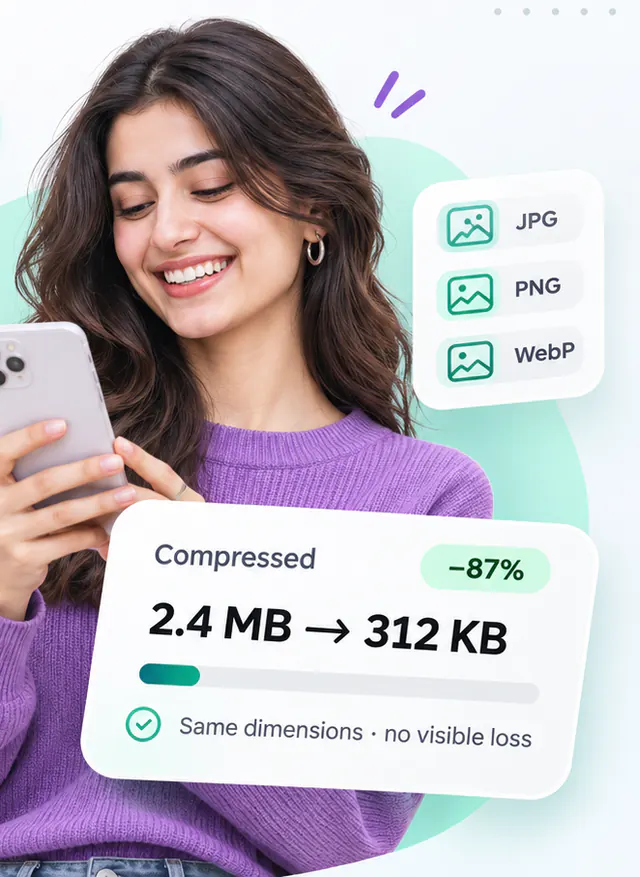
Free WebP Compressor
Re-encode WebP images at a lower quality or in lossless mode, with transparency preserved.
- Runs in your browser
- No upload step
- Free, no watermark
Quick answer
Compress a WebP image for free in your browser: drop the file, lower the lossy quality or switch to lossless mode, check the exact size change and download. Transparency is preserved. Files are processed on your device and never uploaded, and there is no account to create.
About this tool
WebP supports both lossy and lossless compression plus an alpha channel, which makes it a strong general-purpose web format. This tool lets you re-encode an existing WebP at a different quality or switch to lossless when exactness matters.
Browsers differ in WebP encoding support. Where the native encoder is unavailable the tool loads a WebAssembly build of libwebp, so results are consistent across Chrome, Firefox and Safari.
How to use WebP Compressor
- Add WebP files (up to 20).
- Choose a quality level, or enable lossless mode.
- Press Compress WebP and compare the sizes.
- Download the files or a ZIP.
Limitations and notes
- Animated WebP files are flattened to the first frame after confirmation; animation is not re-encoded.
- Lossless WebP output may be larger than a lossy source. The result card shows this clearly.
- ICC profiles, EXIF and XMP chunks are not preserved.
- Safari has no native WebP encoder; the libwebp WebAssembly encoder is used automatically. Lossless WebP always uses the WebAssembly encoder.
Why these limits exist, and how to work around them, is covered in Image compression explained.
Frequently asked questions
Why does lossless mode sometimes produce a bigger file?
If the source WebP was lossy, its pixels contain compression noise that lossless encoding must reproduce exactly. That often needs more bytes than the lossy original.
Why did my file get bigger instead of smaller?
Some images are already compressed as far as their format allows, and re-encoding them with a higher quality setting than the original can add bytes. When that happens the tool tells you and offers to keep your original file instead of the larger output.
Is anything uploaded to a server?
No. Decoding, compression and encoding all happen inside your browser using the Canvas API and, where needed, WebAssembly codecs that are downloaded as part of the page. Your image never leaves your device.
Share this tool
Found it useful? Pass the link on – it is free for everyone.
Embed badge

<a href="https://helpmejpg.com/tools/webp-compressor" title="Free WebP Compressor – HelpMeJPG"><img src="https://helpmejpg.com/brand/logo-lockup.svg" alt="Free WebP Compressor – HelpMeJPG" width="160" height="40" loading="lazy"></a>