Free Extract PDF Pages Tool
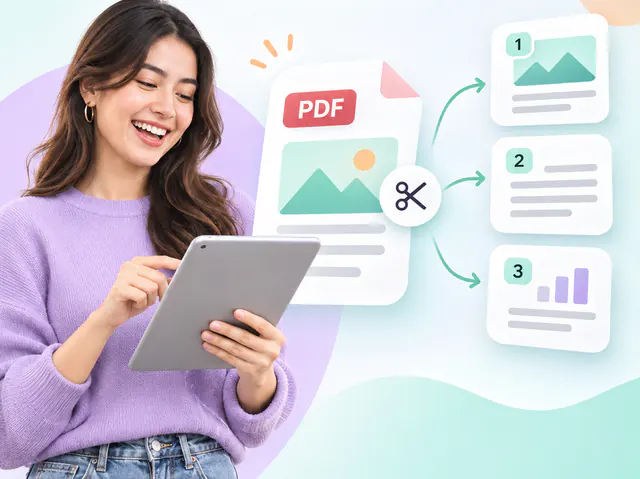
Save chosen pages of a PDF as a new file, picked by thumbnail or page range.
- Runs in your browser
- No upload step
- Free, no watermark
Quick answer
Extract pages from a PDF for free in your browser: drop the file, click the page thumbnails or type a range such as 2, 5-7, press Extract and download a new PDF containing only those pages. Quality is kept exactly. The document stays on your device and no account is needed.
About this tool
Select the pages you need by clicking their thumbnails or by typing a range such as 2, 5-7, 12. The selection is shown live and validated against the real page count, so a typo never produces the wrong pages.
The extracted document keeps the pages in the order you select them, with their original size, rotation and content.
How to use Extract PDF Pages
- Drop a PDF and wait for the page thumbnails.
- Click the pages you want, or type a range such as 2, 5-7, 12 in the selection box.
- Review the selection count, then press Extract.
- Download the new PDF containing only the selected pages.
Limitations and notes
- Pages are copied without re-rendering, so text stays selectable and vector graphics stay sharp. Web links and form fields travel with their page, and links between pages are kept when both pages are in the result (otherwise they are removed); document-level bookmarks are not rebuilt.
- Pages are extracted in the order they are selected; use the Reorder tool for fine-grained ordering.
- Encrypted PDFs need their password first.
Why these limits exist, and how to work around them, is covered in How to arrange and reorder PDF pages.
Frequently asked questions
Can I extract the same page twice?
No – each page can be selected once so the result is a clean subset of the original. If you need duplicates, extract once and merge the file with itself.
Does extraction reduce quality?
No. Extracted pages are identical to the originals; nothing is rendered to an image.
Is my PDF uploaded anywhere?
No. The document is read, rearranged and written back entirely inside your browser using a PDF library that runs on your device. These tools have no upload step, so contracts, statements and IDs never leave your computer.
Share this tool
Found it useful? Pass the link on – it is free for everyone.
Embed badge

<a href="https://helpmejpg.com/pdf-tools/extract-pdf-pages" title="Free Extract PDF Pages Tool – HelpMeJPG"><img src="https://helpmejpg.com/brand/logo-lockup.svg" alt="Free Extract PDF Pages Tool – HelpMeJPG" width="160" height="40" loading="lazy"></a>